Product feature update: Notification center is now revamped on BondScanner

The problem with the old notification center
Notifications are only useful if you can actually find what matters in them. When a notification center becomes crowded or hard to scan, it stops serving its purpose. Users end up either ignoring it entirely or spending more time than they should trying to figure out what is new.
That was the feedback we kept hearing. One user described it this way: "The notification center felt cluttered. I could never tell what was new and what I had already seen."
The fix was not just a visual refresh. It was a rethink of how the notification center works and what it should feel like to use.
Notification center revamped: what changed
The BondScanner notification center has been updated with a focus on clarity and ease of use. The overall experience is now cleaner, simpler, and easier to stay on top of.
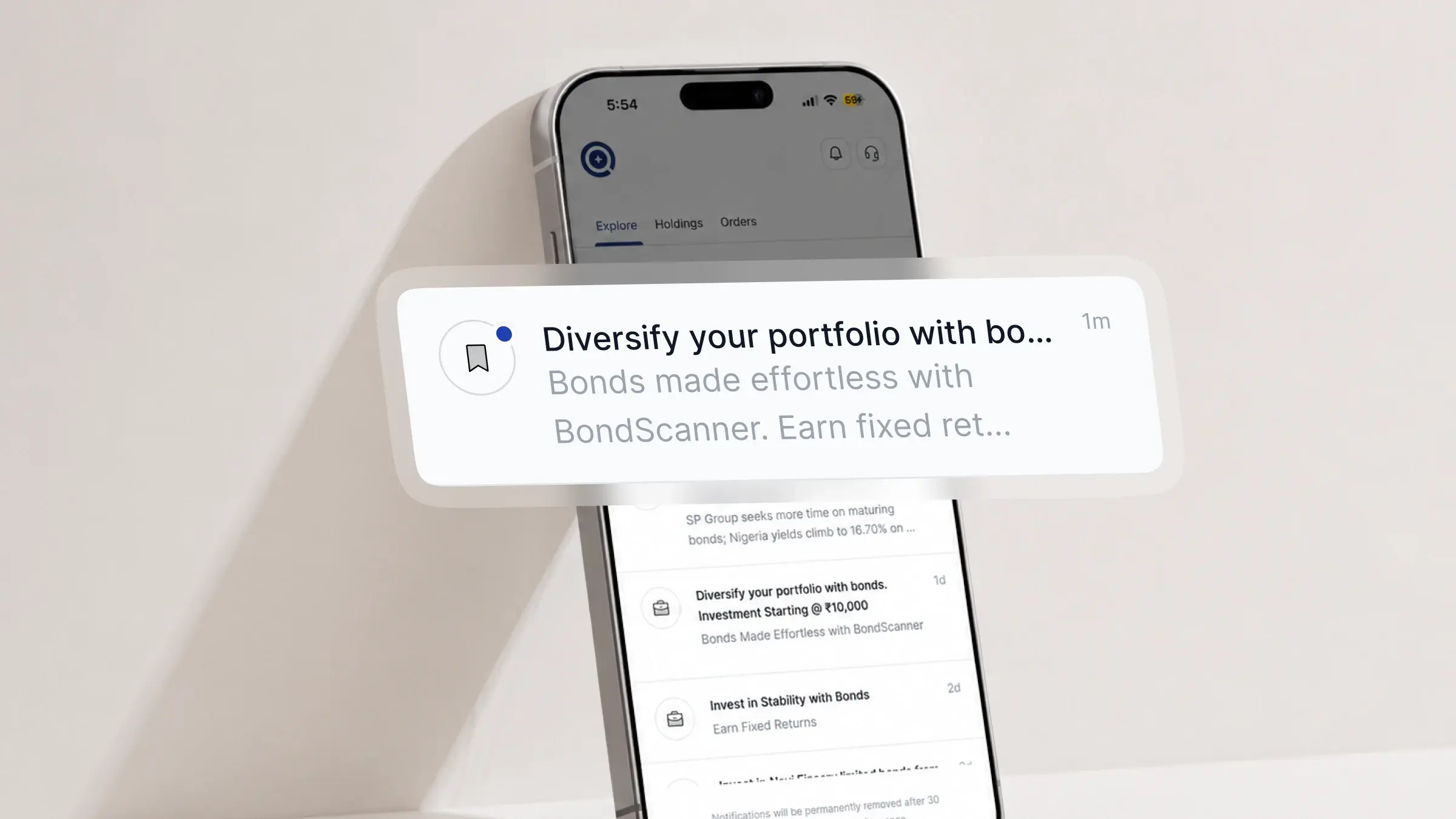
The changes include a redesigned layout that is easier to scan, a clearer distinction between new and already-seen notifications, the ability to swipe and dismiss notifications you are done with, and continued coverage of bond news, investment updates, and platform announcements.
Each of these changes addresses a specific friction point that users flagged. Taken together, they make the notification center a more useful part of the app.
Cleaner, easier to read layout
The updated notification center has a cleaner visual structure. Each notification is presented more clearly, with better spacing and a layout that makes it easier to read at a glance.
Previously, notifications could feel like they were stacked without much hierarchy. The revamped design gives each item more breathing room and makes the content easier to parse quickly, especially when there are multiple notifications to go through.
This is a change that is hard to describe but immediately noticeable when you open the notification center. Things just look less busy.
Quickly spot what is new
One of the most common complaints was not being able to tell what was new versus what had already been seen. The revamped notification center addresses this directly.
New notifications are now visually distinct from ones you have already read. This means you can open the notification center and immediately spot what has come in since you last checked, without having to mentally recall what you have already seen.
This is particularly useful if you check notifications infrequently or if there are several updates waiting for you at once.
Swipe to dismiss
You can now swipe to dismiss notifications you have already read and no longer need. This helps keep your notification center tidy without accumulating a long list of old items.
Swipe left on any notification to remove it. Dismissed notifications are cleared from the list immediately. This gives you a way to actively manage what stays in your notification center rather than watching it pile up over time.
What you get notified about
The notification center covers several types of updates relevant to your bond investments and activity on the platform:
Bond news: updates and developments related to bonds available on BondScanner
Investment updates: information related to your holdings, such as payout events or changes relevant to bonds you hold
Platform announcements: new features, updates, and other changes to the BondScanner app or website
You can manage which categories of notifications you receive through Notification Preferences in your profile settings.
How to access it and enable push notifications
The notification center is accessible from the top-right corner of the BondScanner homepage, the same area where your profile icon sits. Tap the bell icon to open it.
For the best experience, make sure push notifications are enabled for BondScanner on your device. This ensures that important updates reach you in real time rather than only when you open the app.
To enable push notifications, go to your device Settings, find BondScanner under your app list, and turn on notifications. You can also manage notification preferences from within the app under Profile and then Notification Preferences.