Product feature update: Fast switcher is now live on BondScanner

Comparing bonds while browsing
When you are browsing bonds on BondScanner, you are rarely looking at just one thing. Yield matters, but so does tenure, minimum investment, and how often interest is paid. These details together help you understand whether a bond fits what you are looking for.
The challenge was that seeing different details required switching between screens or tabs. On top of that, bond names were sometimes getting cut off in the list view, making it harder to identify which bond you were looking at. Maturity dates were also not immediately visible while scrolling through lists.
One user described it directly: "The bond names were getting cut off and I couldn't see the maturity dates properly." The fast switcher is built to address exactly this.
Fast switcher is now live
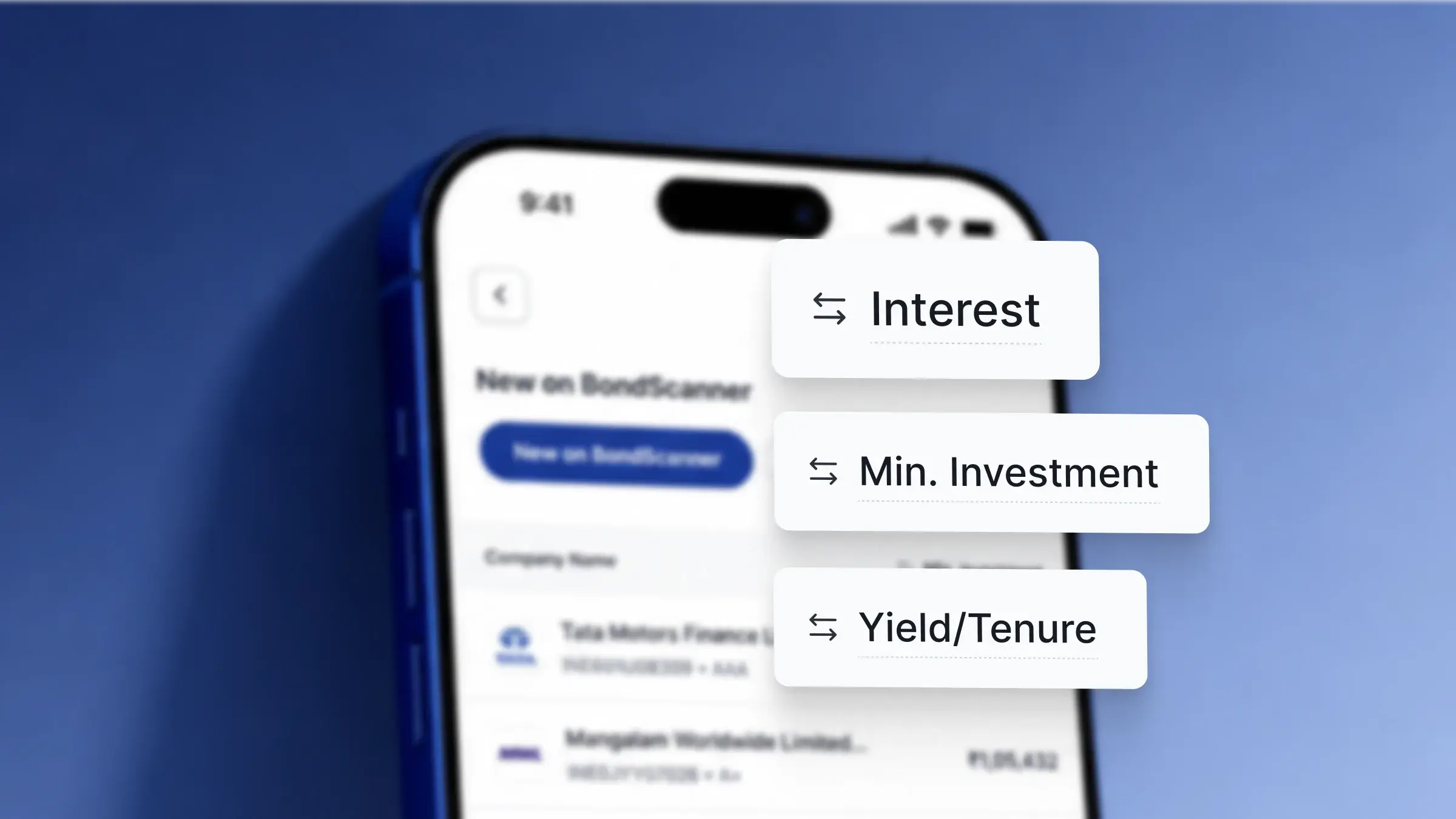
BondScanner has introduced the fast switcher, a feature that lets you instantly toggle between key bond details while staying on the same screen. Instead of navigating away to find a specific data point, you can switch between yield, tenure, minimum investment, and interest frequency with a single tap.
The fast switcher is available directly on the home screen and within bond category screens. It sits alongside the bond list, making it easy to change the detail you are viewing without losing your place in the list.
Along with the switcher, bond names now display more clearly and maturity dates are easier to spot while browsing, giving you more information at a glance without the list feeling cluttered.
What you can switch between
The fast switcher currently supports four data points:
Yield: the annualised return on the bond, displayed alongside each bond in the list so you can compare yields across options at a glance
Tenure: the remaining time until the bond matures, useful when you want to see how long your money would be locked in for each option
Minimum investment: the minimum amount required to invest in each bond, so you can quickly identify which bonds are accessible at your preferred investment size
Interest frequency: how often interest is paid out, whether monthly, quarterly, or annually, shown for each bond in the list
Switching between these takes a single tap. The list updates instantly to show the selected detail for every bond, so you can scan the full list with one detail in focus at a time.
Where to find the fast switcher
The fast switcher is available in two places on the app:
Home screen: accessible directly from the Explore tab, visible alongside the bond listing on the homepage
Category screens: available inside any bond category, so when you open AAA rated bonds, high yielding bonds, or any other category, the switcher is there too
It does not require any additional navigation to access. It is part of the bond list view itself.
Clearer bond names and maturity dates
Two display improvements came alongside the fast switcher.
First, bond names in the list now display without being cut off. Previously, longer bond names were truncated in the list view, making it harder to know which bond you were looking at without tapping into the deal details. That is now fixed, so the full bond name is visible in the list.
Second, maturity dates are now more visible while browsing. When you want to compare how long each bond runs for, you no longer need to open each bond individually. The maturity information is accessible from the list itself, which makes tenure comparisons faster.
How it changes the browsing experience
Taken together, the fast switcher and display improvements make the bond browsing experience noticeably more efficient. You can move through a list of bonds with one detail in view, switch to another detail to reframe your comparison, and do all of this without leaving the list.
Bond names that display fully and maturity dates that are easier to spot reduce the number of times you need to tap into individual bond pages just to get basic information. The result is a browsing experience where more of what you need is available on the surface.
This feature is available on the latest version of BondScanner. If you do not see the fast switcher on your home or category screens, update your app via the App Store or Google Play.