Aadhaar e-sign explained: what it is, how to create it, and how to validate an e-signature
Introduction
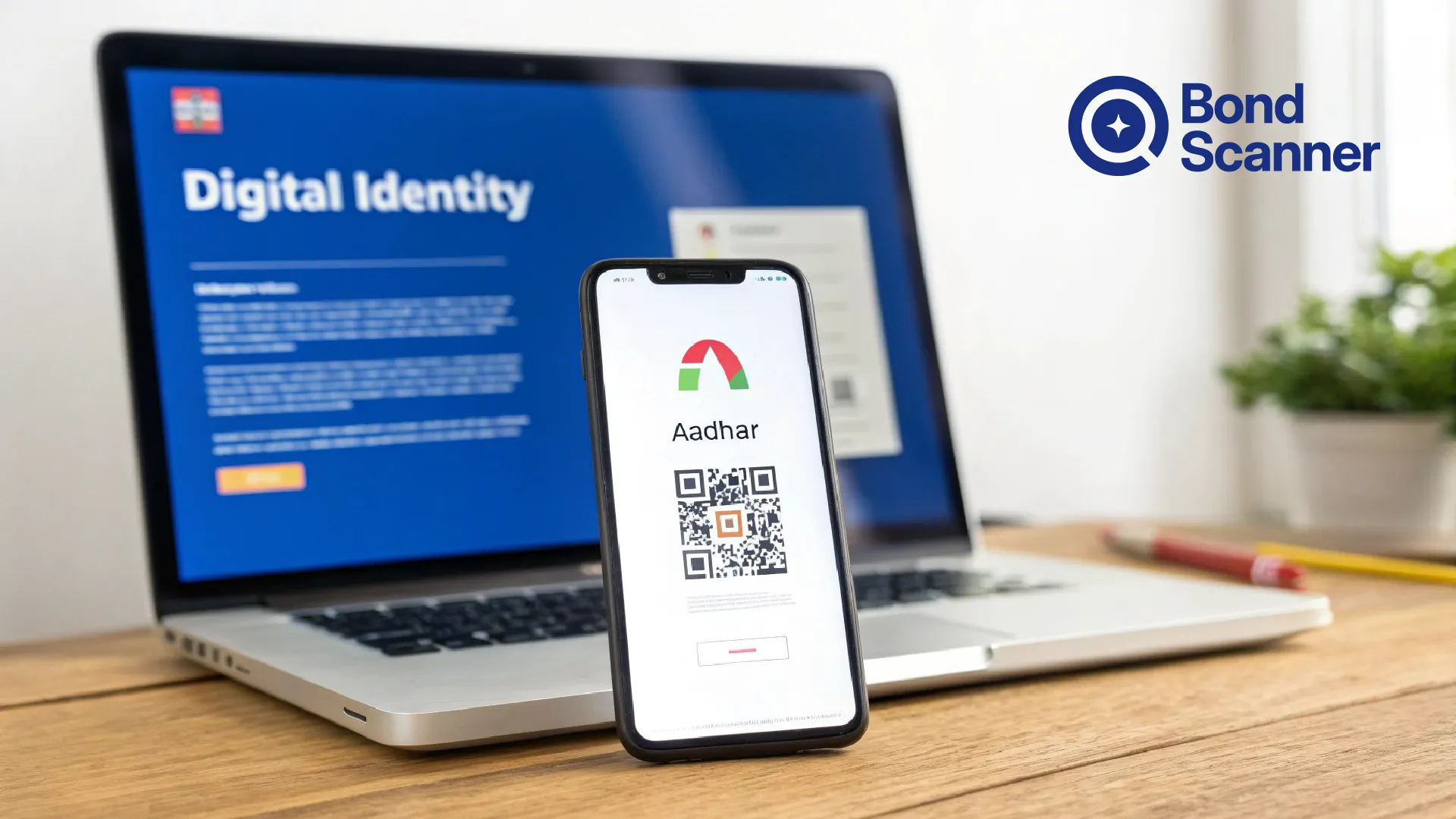
As India rapidly adopts digital documentation and online verification systems, electronic signatures have become an important part of paperless processes. From opening bank accounts to completing online KYC and signing financial documents, Aadhaar-based e-signatures help users authenticate documents securely without physical paperwork.
Today, many financial institutions, investment platforms, and government services rely on Aadhaar e-sign for faster and safer digital onboarding.
However, many users still have questions such as:
● What is Aadhaar e-sign?
● Is e-sign legally valid?
● How can I create an Aadhaar e-sign online?
● How do I validate a digital signature in e-Aadhaar?
● What should I do if the signature shows invalid?
In this article, we explain everything about Aadhaar e-sign, how it works, how to validate e-signatures, and why digital signatures are important for secure online verification.
What Is Aadhaar E-Sign?
Aadhaar e-sign is an electronic signature service that allows users to digitally sign documents using Aadhaar-based authentication.
Instead of physically signing printed documents, users can electronically verify and sign documents online using OTP authentication linked to their Aadhaar-registered mobile number.
The service is commonly used for:
● Online KYC
● Bank account opening
● Financial applications
● Insurance onboarding
● Investment account registration
● Income tax filing
● Digital agreements
● Government services
Aadhaar e-sign enables secure and paperless verification while reducing the need for physical signatures and branch visits.
What Is a Digital Signature in e-Aadhaar?
An e-Aadhaar is the electronic version of Aadhaar issued by the Unique Identification Authority of India. It is a password-protected PDF document digitally signed by UIDAI.
The digital signature embedded in e-Aadhaar confirms that:
● The document was issued by UIDAI
● The Aadhaar file has not been tampered with
● The document is authentic and legally valid
UIDAI states that e-Aadhaar is equally valid as the physical Aadhaar card for identity verification purposes.
This digital signature is what users often need to validate while submitting Aadhaar for online KYC or documentation.
Is Aadhaar E-Sign Legally Valid?
Yes. Aadhaar-based e-signatures are legally recognized in India under the Information Technology Act, 2000.
UIDAI also confirms that e-Aadhaar is valid like the physical Aadhaar copy for official purposes.
This means Aadhaar e-sign can be used for:
● Financial onboarding
● Investment applications
● Digital agreements
● Government documentation
● Online verification processes
Many banks, NBFCs, fintech platforms, and government portals now accept Aadhaar e-signatures for paperless workflows.
How Aadhaar E-Sign Works
Aadhaar e-sign uses OTP-based authentication to verify identity digitally.
Here’s how the process usually works:
Step 1: User Uploads or Opens a Document
The user accesses a platform that supports Aadhaar e-sign.
Step 2: Aadhaar Authentication Begins
The platform asks for:
● Aadhaar number or Virtual ID (VID)
● Consent for authentication
Step 3: OTP Verification
An OTP is sent to the mobile number registered with Aadhaar.
Step 4: Digital Signature Is Applied
After successful OTP verification, the electronic signature is securely attached to the document.
Step 5: Signed Document Is Generated
The signed PDF becomes digitally verifiable and tamper-evident.
This process enables fast and secure online document execution without physical paperwork.
How to Create an Aadhaar E-Sign
The exact process may vary depending on the platform, but Aadhaar e-sign creation generally follows these steps.
Method 1: Aadhaar E-Sign on Financial Platforms
Many banks and investment apps allow users to e-sign documents during onboarding.
Typical process:
1. Open the application or KYC process
2. Select “Aadhaar E-Sign”
3. Enter Aadhaar number or VID
4. Receive OTP on registered mobile number
5. Enter OTP
6. Complete digital signature
Method 2: Aadhaar E-Sign on Government Portals
Government portals such as tax filing or document services may also support Aadhaar-based e-sign verification.
Requirements for Aadhaar E-Sign
Users generally need:
● Valid Aadhaar number
● Mobile number linked with Aadhaar
● Internet connection
● OTP access
● Aadhaar authentication consent
How to Download e-Aadhaar
UIDAI allows Aadhaar holders to download e-Aadhaar online through the MyAadhaar portal or mAadhaar app.
Steps to Download e-Aadhaar
1. Visit the official MyAadhaar portal
2. Select “Download Aadhaar”
3. Enter:
○ Aadhaar number, Enrollment ID, or VID
4. Verify using OTP
5. Download password-protected PDF
UIDAI states that OTP for downloading e-Aadhaar is sent to the registered mobile number.
Password for e-Aadhaar PDF
UIDAI explains that the password is:
● First 4 letters of your name in CAPITAL letters
● Followed by birth year (YYYY)
Example:
Name: RAHUL VERMA
Birth Year: 1995
Password: RAHU1995
How to Validate Digital Signature in e-Aadhaar
Sometimes users notice that the Aadhaar PDF shows:
● “Signature not verified”
● Yellow warning signs
● Unknown signer alerts
This does not always mean the document is fake. Often, the PDF reader simply has not validated the UIDAI certificate yet.
UIDAI recommends using Adobe Reader for digitally verified e-Aadhaar viewing.
Steps to Validate Aadhaar E-Signature
Step 1: Open PDF in Adobe Acrobat Reader
Use Adobe Reader instead of browser PDF viewers.
Step 2: Click Signature Panel
Locate the signature warning or question mark.
Step 3: Open Signature Properties
Click:
● Signature Panel
● Signature Properties
● Show Signer’s Certificate
Step 4: Trust the Certificate
Add UIDAI certificate to trusted identities if required.
Step 5: Validate Signature
Once validated, the signature status should display as valid.
UIDAI also provides video tutorials explaining the validation process.
Common Reasons Why E-Sign Validation Fails
Users may sometimes encounter errors while validating Aadhaar digital signatures.
Common reasons include:
Unsupported PDF Viewer
Browser PDF viewers may not validate signatures properly.
Outdated Adobe Reader
Older versions may fail certificate verification.
Internet Connectivity Issues
Certificate validation may require temporary online verification.
Corrupted PDF File
Incomplete downloads can damage the signature structure.
Technical Issues
Users on online forums have occasionally reported temporary validation or UIDAI service issues.
Benefits of Aadhaar E-Sign
Paperless Documentation
No need for printing, scanning, or couriering documents.
Faster Verification
Online onboarding becomes significantly quicker.
Secure Authentication
OTP-based verification reduces fraud risk.
Cost Efficient
Businesses reduce paperwork and operational costs.
Legally Recognized
Digital signatures are accepted across many regulated industries.
Convenient Remote Access
Users can sign documents from anywhere using their mobile device.
Security and Privacy Considerations
Aadhaar e-sign systems include multiple security layers, but users should still follow best practices.
Use Only Official Platforms
Always use trusted government or regulated financial websites.
Avoid Sharing OTPs
Never share Aadhaar OTPs with anyone.
Beware of Phishing Links
Cybercriminals sometimes send fake Aadhaar verification links through SMS or email. Users on online forums have highlighted such scams.
Use Masked Aadhaar When Needed
UIDAI also offers Masked Aadhaar where only the last four Aadhaar digits remain visible.
Common Use Cases of Aadhaar E-Sign
Aadhaar e-sign is increasingly used across industries.
Banking and Financial Services
● Bank account opening
● Investment onboarding
● Loan applications
● Bond investments
Insurance
● Policy issuance
● Digital claims processing
Tax and Compliance
● Income tax filing
● Regulatory documentation
Government Services
● Online applications
● Citizen verification
Digital Contracts
● Electronic agreements
● Consent forms
FAQs About Aadhaar E-Sign
What is Aadhaar e-sign?
Aadhaar e-sign is an electronic signature service that allows users to digitally sign documents using Aadhaar OTP authentication.
Is e-Aadhaar legally valid?
Yes. UIDAI states that e-Aadhaar is equally valid as the physical Aadhaar copy.
How can I download e-Aadhaar?
You can download e-Aadhaar from the official MyAadhaar portal or mAadhaar app using Aadhaar number, Enrollment ID, or VID.
What is the password for e-Aadhaar PDF?
The password consists of the first 4 letters of your name in uppercase followed by your birth year in YYYY format.
Why does my Aadhaar PDF show “signature not verified”?
This usually happens because the PDF reader has not validated UIDAI’s digital certificate yet.
How can I validate Aadhaar digital signature?
You can validate it using Adobe Acrobat Reader by opening the signature panel and trusting the UIDAI certificate.
Can Aadhaar e-sign be used for KYC?
Yes. Aadhaar e-sign is commonly used for online KYC, financial onboarding, and digital document verification.
Is Aadhaar e-sign secure?
Yes, Aadhaar e-sign uses OTP-based authentication and encrypted digital signature systems for secure verification.
BondScanner, a SEBI-registered Online Bond Platform Provider (OBPP). Links to BondScanner's bond listing page, Android app, and iOS app referenced in this article are for informational purposes only.
Explore listed bonds on the BondScanner app:
Disclaimer
This blog is intended solely for educational and informational purposes. The instruments, issuer categories, yield ranges, and examples mentioned herein are illustrative and should not be construed as investment advice or recommendations.
BondScanner is a SEBI-registered OBPP and does not provide personalised investment advice. Nothing in this article is a solicitation to buy or sell any security.
Recent Blogs

India’s bond market does not need more education, it needs better products
Why closing the ₹214 lakh crore gap between bank deposits and corporate bonds requires simpler product architecture, tokenized fractionalization, and seamless wallet-driven investing rather than endless investor education.

Nishchay Nath
30 Sep 2026

Issuer Spotlights
Understanding SMC global securities bonds: returns, credit rating & risk factors
A comprehensive investor guide to SMC Global Securities Limited NCDs, breaking down diversified financial services, annual cash flows, CRISIL A credit ratings, secondary market yields, and risk parameters.

Subham Mishra
28 Sep 2026

Issuer Spotlights
Satin creditcare network bonds: NCD structure, rating & key risks
An in-depth investor guide to Satin Creditcare Network Limited NCDs, covering rural microfinance loan assets, semi-annual and annual cash flows, ICRA A credit ratings, secondary market yields, and key risk factors.

Tulika Singh
25 Sep 2026