Product feature update: Add multiple demat accounts on BondScanner

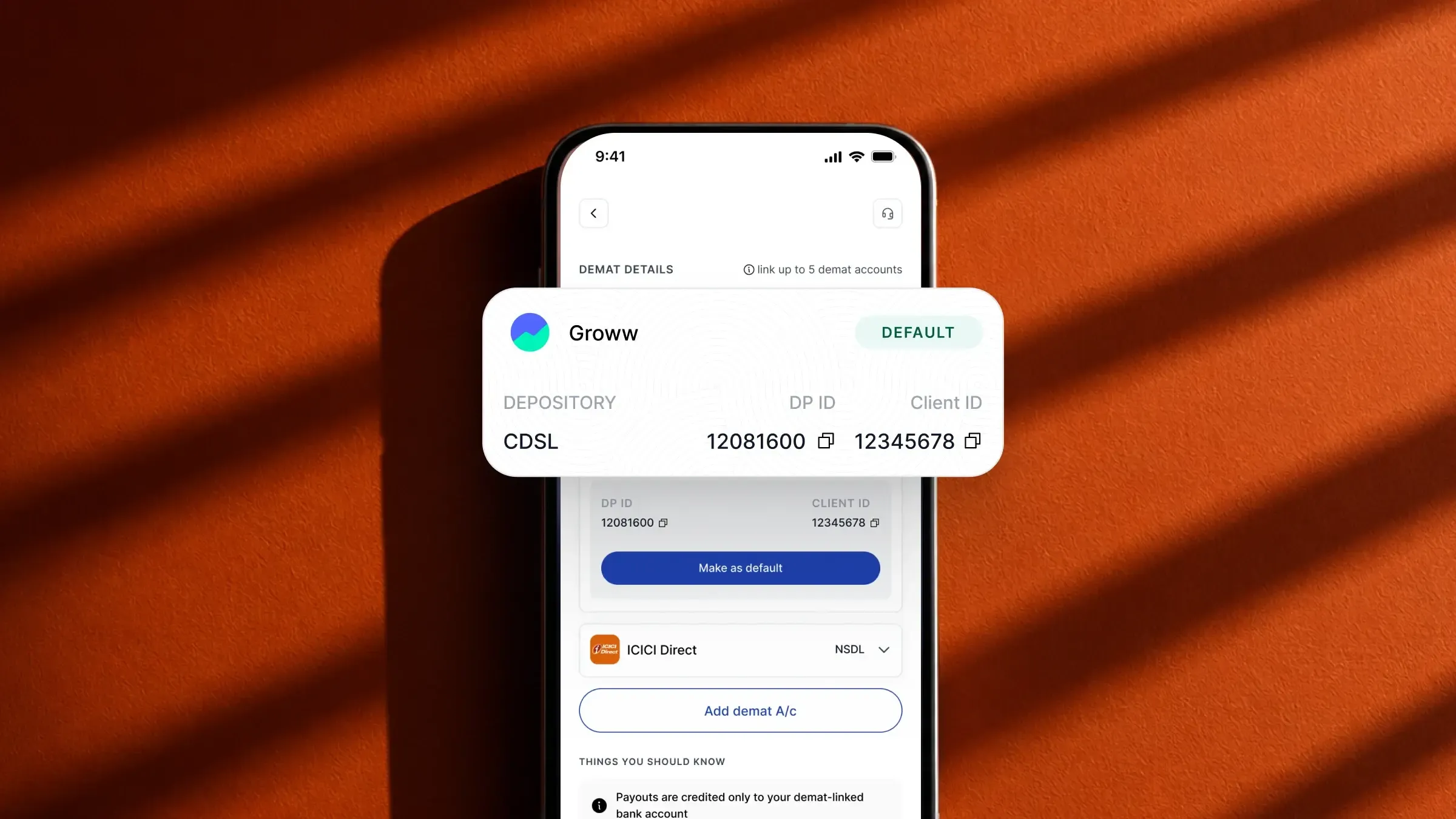
Managing bonds across multiple demat accounts
Many investors in India maintain more than one demat account. Some use different accounts with different brokers for different asset classes, some have a primary account and a secondary one, and some prefer to keep certain types of investments separate for tracking or administrative reasons.
Until now, BondScanner only supported one linked demat account per user. This meant that all bond purchases settled into the same account, regardless of where a user might have preferred them to go. One user summed up the ask clearly: "I use multiple brokers for different investments. Can I choose which demat account my bond gets settled in?"
That flexibility is now available.
Multiple demat accounts: what's new
BondScanner now supports up to 5 demat accounts per user. You can add multiple accounts, set one as your default, and choose which account each bond settles into at the point of investing.
All linked demat accounts are managed from the Profile section of the app. Adding, removing, and switching between accounts can all be done from there.
What you can do
Here is a summary of what the multiple demat accounts feature allows:
Add up to 5 demat accounts to your BondScanner profile
Choose which demat account a bond settles into at the time of each purchase
Set one account as your default so it is pre-selected every time you invest
Change your default demat account at any time from your profile
Manage all linked demat accounts from one place in the app
How to add a demat account
To add a new demat account on BondScanner:
Open the app and go to your Profile
Navigate to Account Details
Find the Demat Accounts section
Tap Add Demat Account and enter the details of the account you want to link
Once verified, the new account will appear in your list of linked demat accounts
You can add up to 5 accounts in total. Each account is linked separately and can be managed independently.
Please make sure your app is updated to the latest version before adding a new demat account.
Setting and changing your default demat account
Once you have added more than one demat account, you can designate one as your default. The default account is pre-selected whenever you place a new bond order, so you do not have to choose every single time if you tend to settle most purchases in the same account.
To change your default at any time, go to the Demat Accounts section in your Profile and select the account you want to set as default. The change takes effect immediately for any subsequent orders.
Choosing settlement at the time of investing
At the time of placing a bond order, BondScanner shows you the demat account that will be used for settlement. If you want to use a different linked account for that specific order, you can change it from profile section before confirming.
Recent Blogs

Buying bonds? These 5 mistakes could be quietly increasing your risk
A practical retail guide to navigating corporate debt highlighting why chasing headline yields, ignoring concentration risk, and overlooking secondary market illiquidity can undermine your portfolio.

Nishchay Nath
06 Oct 2026

Comparisons
Edelweiss vs Muthoot Fincorp NCDs: Which high-yield issue wins?
Missed the Muthoot Fincorp NCD? A side-by-side comparative guide to locking in up to 10.00% per annum with Edelweiss Financial Services—breaking down CRISIL ratings, risk-reward tradeoffs, and portfolio allocation rules.

Atharva Joshi
06 Oct 2026

Founder's Notes
India’s bond market does not need more education, it needs better products
Why closing the ₹214 lakh crore gap between bank deposits and corporate bonds requires simpler product architecture, tokenized fractionalization, and seamless wallet-driven investing rather than endless investor education.
Nishchay Nath
30 Sep 2026

Issuer Spotlights
Understanding SMC global securities bonds: returns, credit rating & risk factors
A comprehensive investor guide to SMC Global Securities Limited NCDs, breaking down diversified financial services, annual cash flows, CRISIL A credit ratings, secondary market yields, and risk parameters.

Subham Mishra
28 Sep 2026